 PDF Maker Pro
Features
A complete PDF toolkit built for privacy and simplicity. Everything works offline.
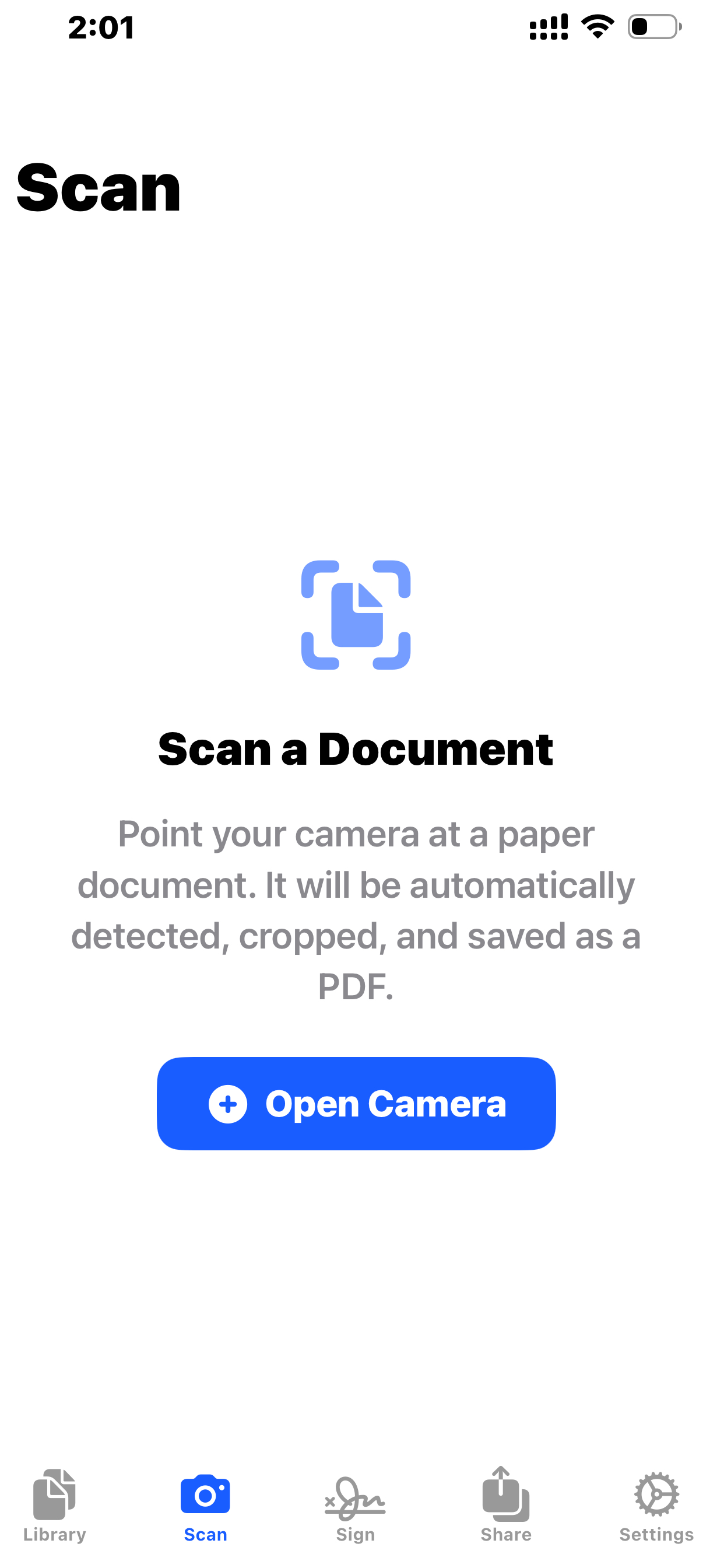
Scan Paper Documents Instantly
Turn your iPhone into a powerful document scanner. PDF Maker Pro uses Apple's VisionKit to automatically detect page edges, correct perspective, and enhance readability — producing clean, professional-grade PDFs from any physical document.
- Automatic edge detection and cropping
- Perspective correction for angled shots
- Readability enhancement and sharpening
- Multi-page scanning in a single session
- Instant PDF creation from scanned pages
Mark Up Any PDF With Precision
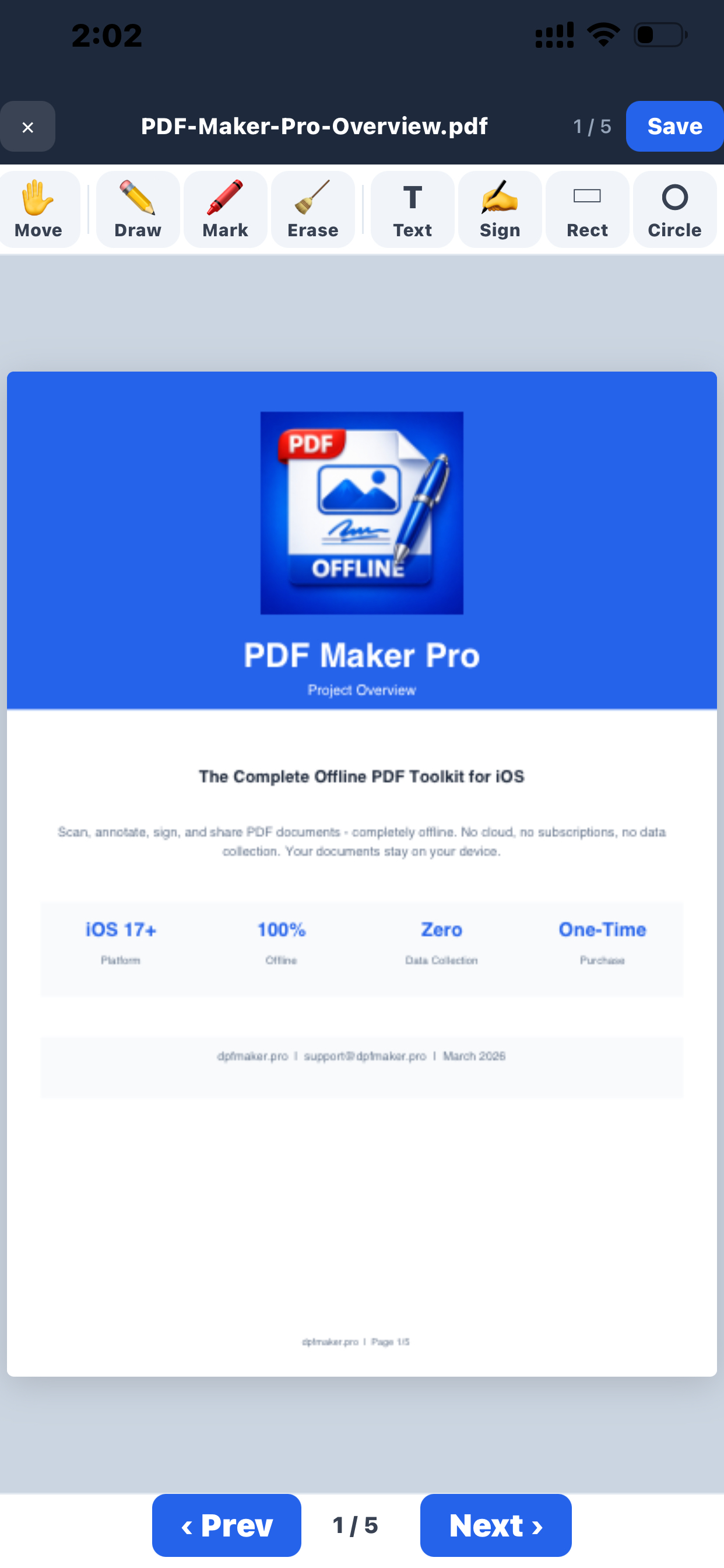
A full annotation suite at your fingertips. Highlight important passages, underline key points, draw freehand notes, add shapes, place sticky notes, or type free text — all with customizable colors and stroke widths.
- Highlight, underline, and strikethrough text
- Freehand drawing with pen, marker, and pencil
- Shapes: rectangles, circles, lines, arrows
- Sticky notes and free text annotations
- Image stamps for logos or watermarks
- Customizable colors and stroke widths
- Full undo/redo for every change
Sign Documents in Seconds
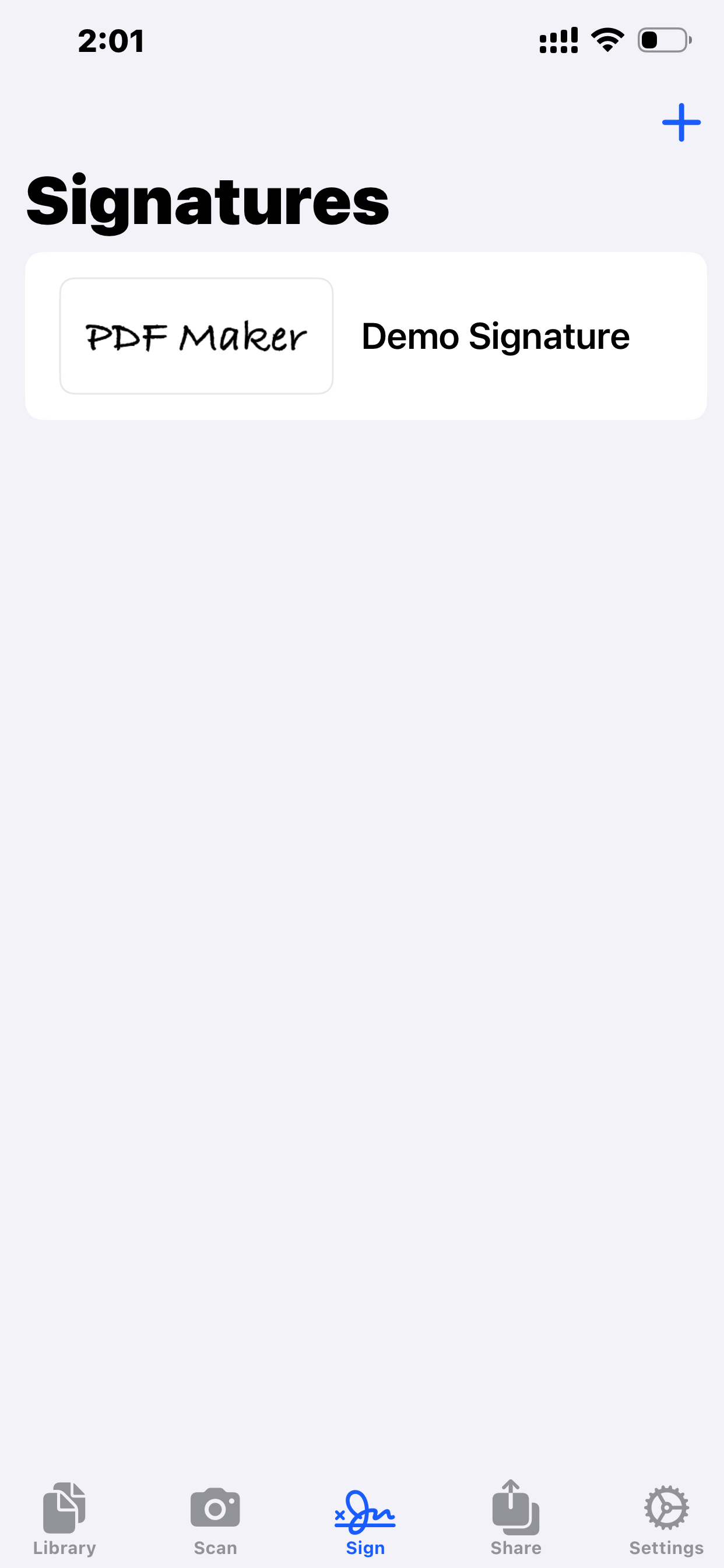
Draw your signature on screen, save it, and insert it into any PDF with a single tap. Manage up to 5 saved signatures so you always have the right one ready. Complete with undo/redo for the perfect signature every time.
- Draw signatures with your finger or Apple Pencil
- Save up to 5 different signatures
- Insert saved signatures with one tap
- Undo/redo while drawing
- Position and resize after placement
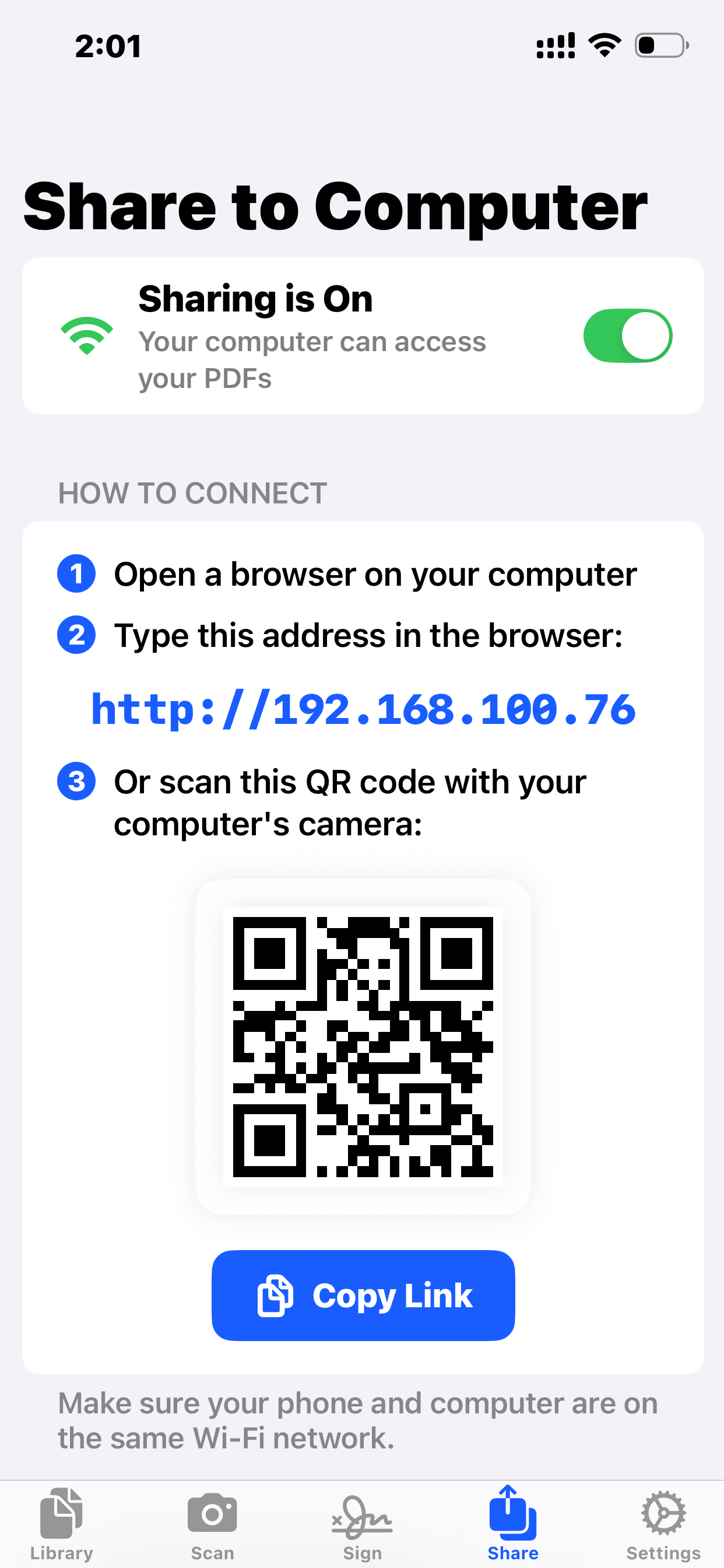
Share Files From Any Browser
Start a local web server on your device and access your PDFs from any browser on the same network. Upload, download, rename, and delete files — all through an intuitive browser interface. No app needed on the other device.
- Browser-based file management interface
- Upload and download files wirelessly
- QR code for instant connection
- Optional PIN protection for security
- Rename and delete files remotely
- Works on any device with a browser
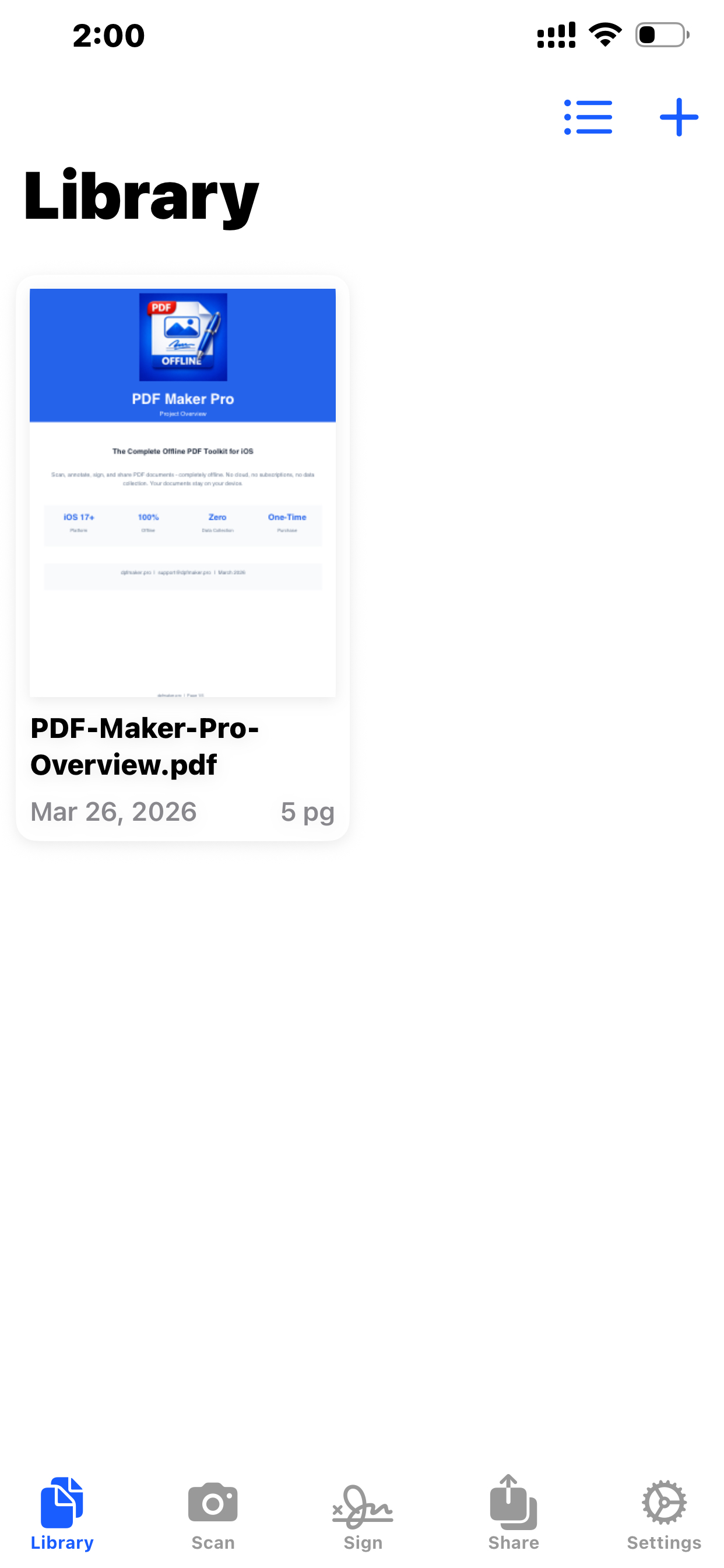
All Your Documents, Organized
A clean, intuitive library to manage every PDF on your device. Switch between grid thumbnails and detailed list views. Sort by name, date, or file size. Open, rename, or delete documents with ease.
- Grid view with page thumbnails
- List view with file details
- Sort by name, date, or size
- Open, rename, and delete documents
- File metadata at a glance
Precise Visual Editing
A drag-and-drop canvas for fine-tuning annotation placement. Move, resize, and position every annotation exactly where you want it on the page with an interactive visual editor.
- Drag-and-drop annotation positioning
- Visual feedback for exact placement
- Resize and adjust annotations
- Interactive canvas overlay on PDF pages
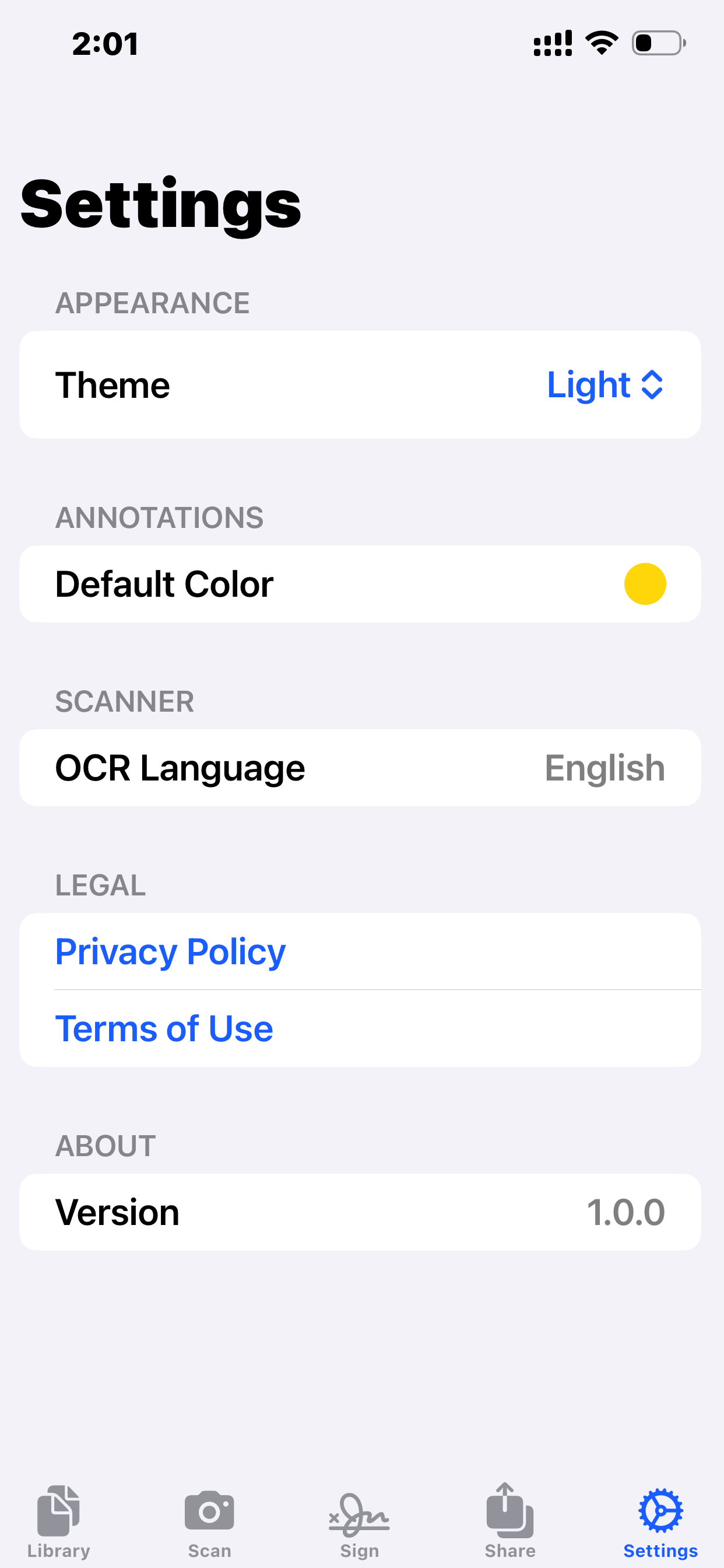
Comfortable Reading, Any Time
Switch between four reading themes to match your environment and reduce eye strain. Whether you're reading in bright sunlight or late at night, there's a theme for every moment.
- System theme (matches device settings)
- Light theme for bright environments
- Dark theme for low-light reading
- Sepia theme for warm, paper-like comfort
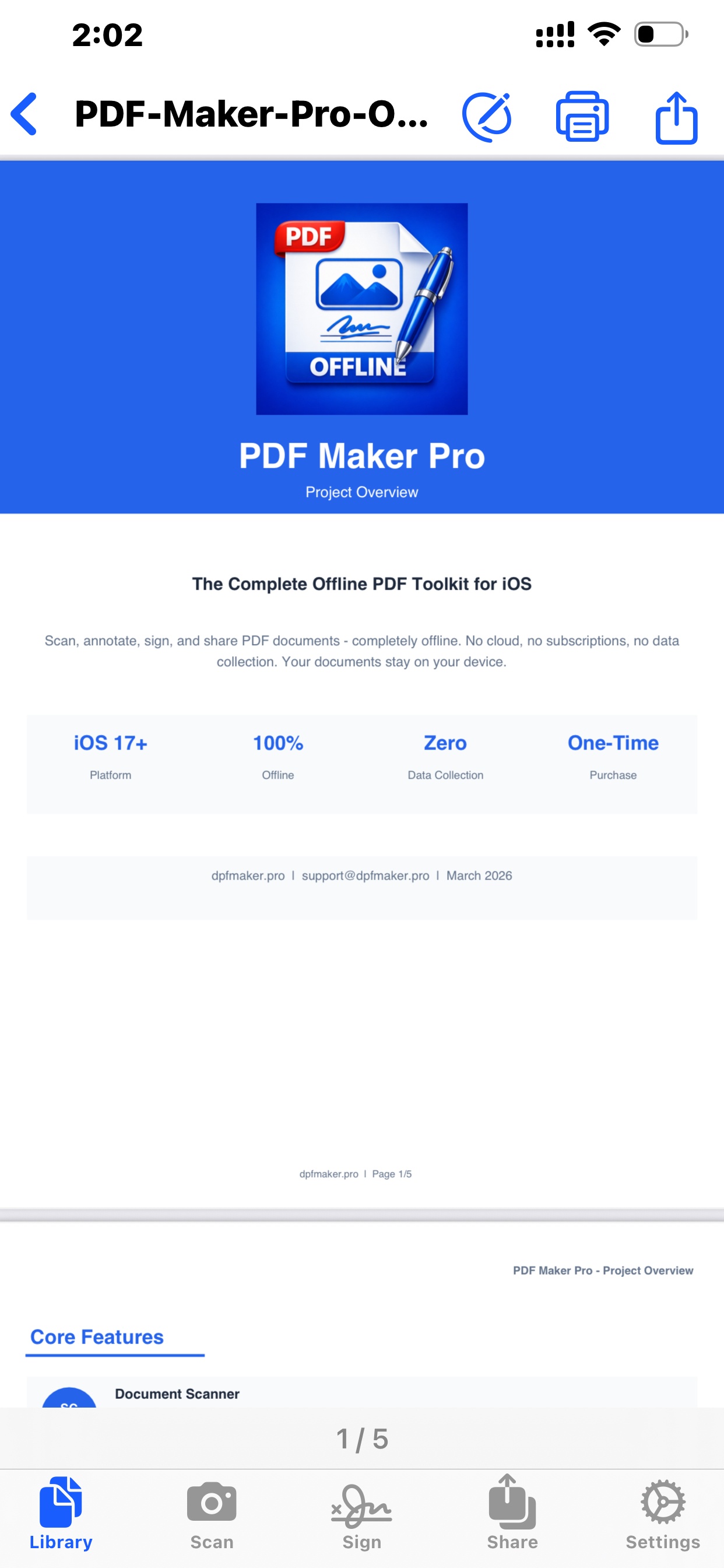
Print Directly From the App
Send any PDF to an AirPrint-compatible printer on your network with a single tap. No drivers, no setup — just tap Print and your document is ready.
- One-tap printing to any AirPrint printer
- No drivers or software to install
- Print annotated documents
- Works over local Wi-Fi network
Take Control of Your PDFs
Start with a 2-day free trial. Then unlock forever with a single purchase.
Free trial. One-time purchase. Yours forever.