 PDF Maker Pro
How It Works
From download to productivity in under a minute. No setup, no accounts, no internet.
Download & Open
Download PDF Maker Pro from the App Store and open it. You get a full 2-day free trial to explore every feature — no credit card required upfront. The app launches straight into your PDF library.
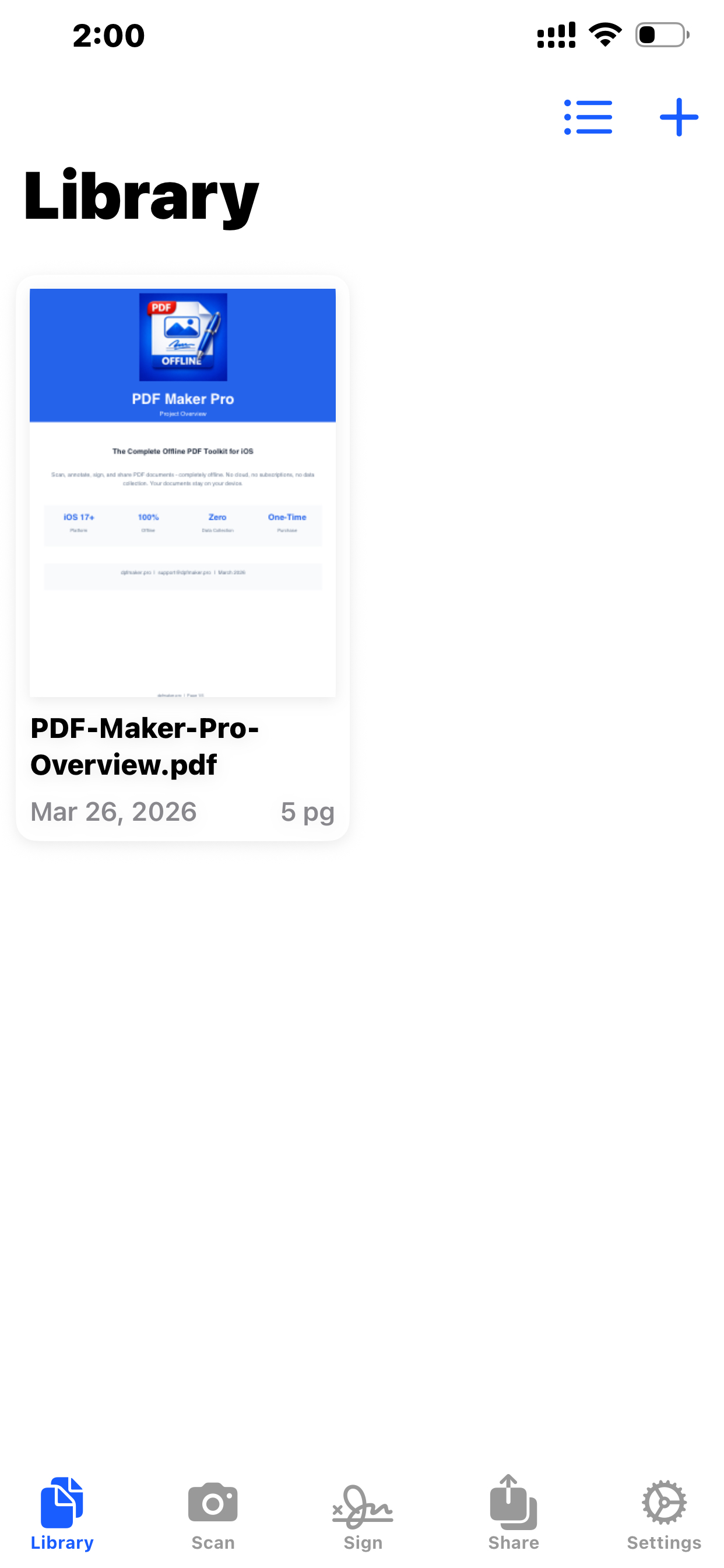
Scan or Import Documents
Tap the Scan tab to capture paper documents with your camera. The scanner automatically detects edges, corrects perspective, and enhances readability. You can also import existing PDFs from your Files app or other sources.
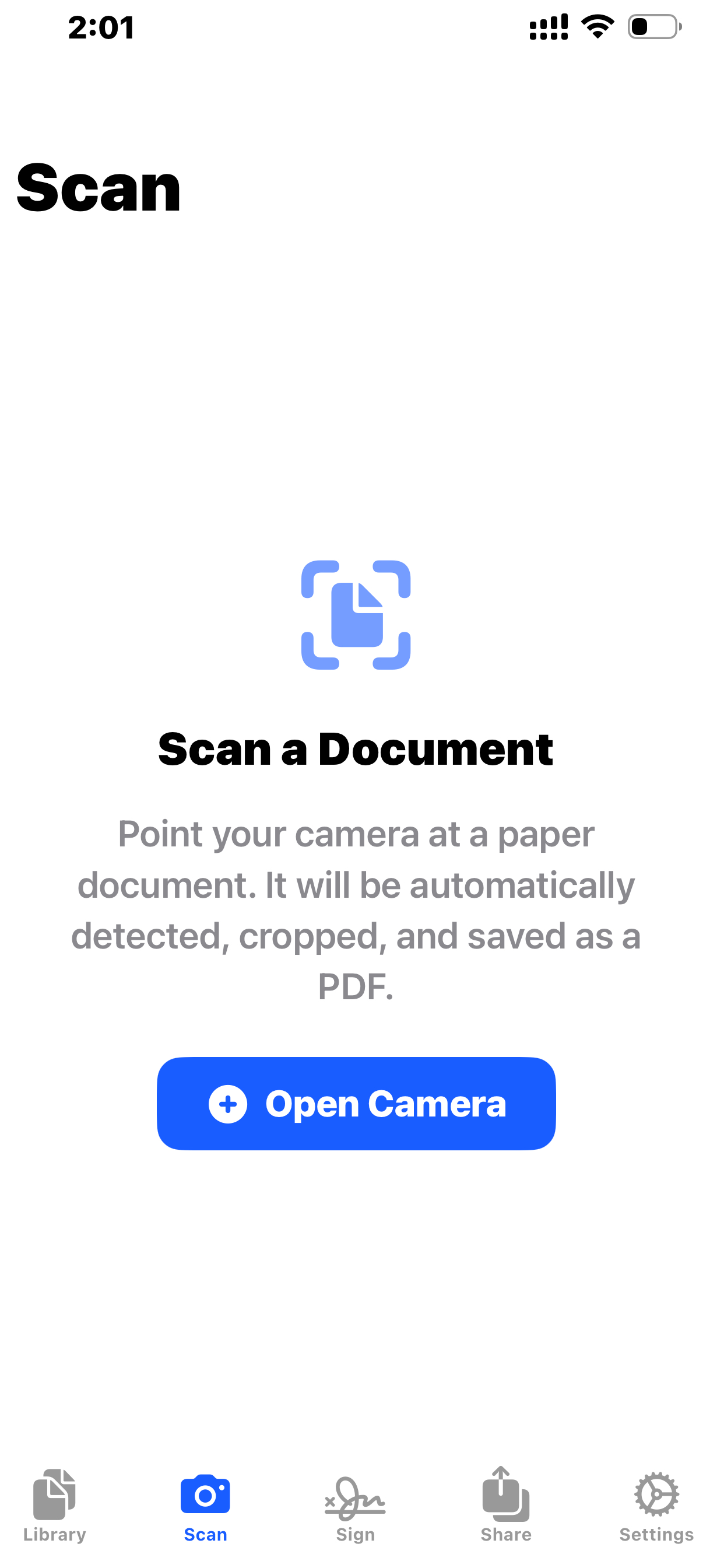
Annotate, Sign & Edit
Open any PDF and tap the annotation toolbar. Highlight text, draw freehand notes, add shapes, place sticky notes, or insert your saved signature. Every change supports undo/redo, so you can experiment freely.
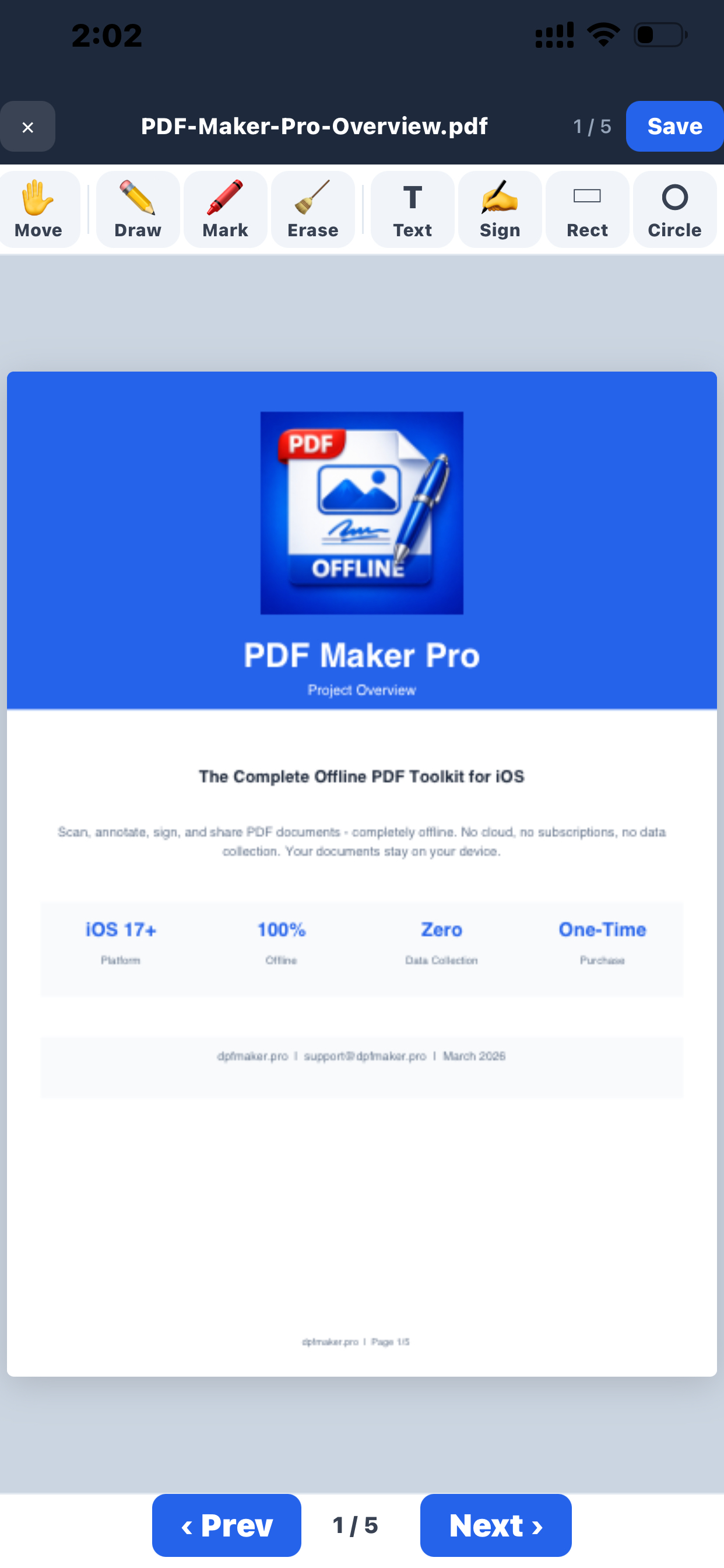
Share via Wi-Fi or Print
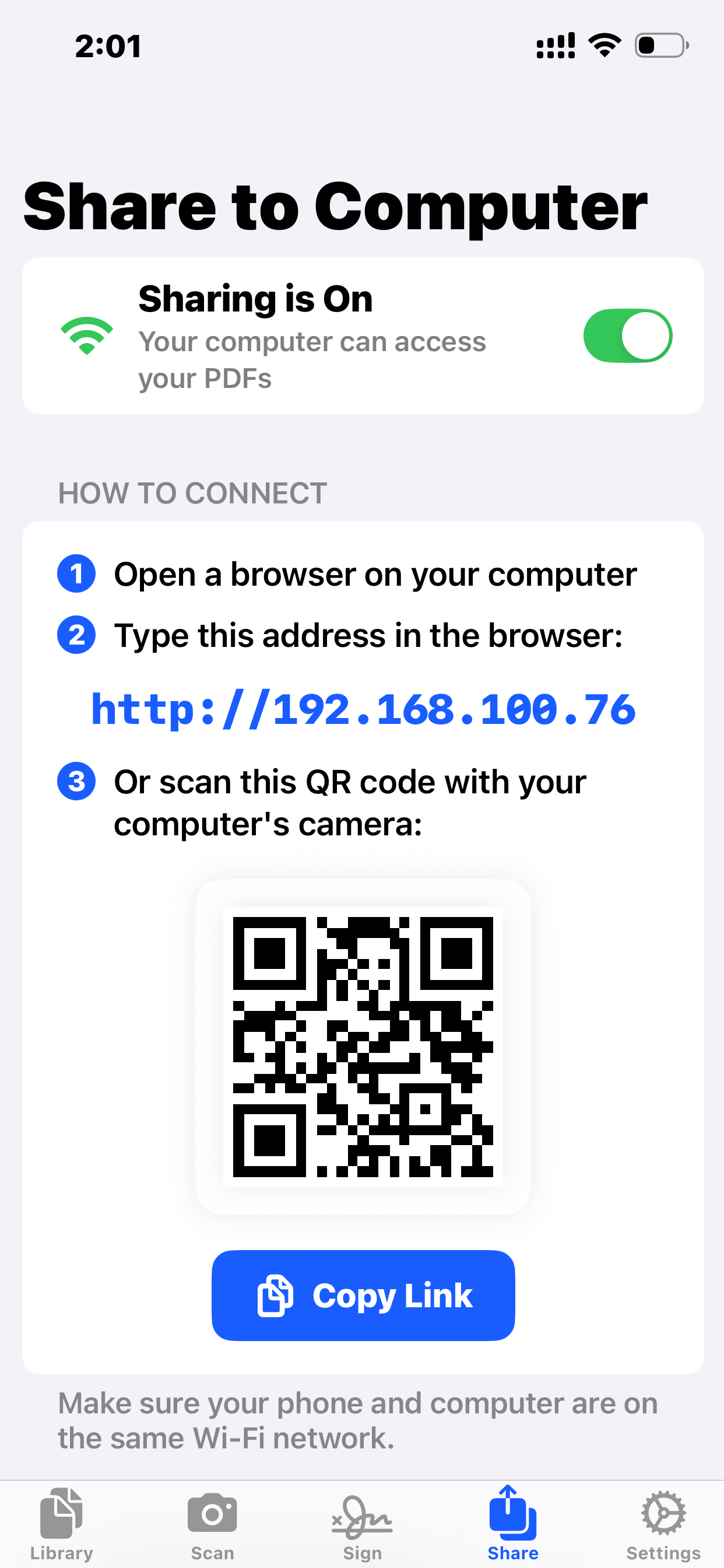
Go to the Share tab to start a local web server. Anyone on the same Wi-Fi can access your PDFs through their browser — just scan the QR code to connect. You can also print directly to any AirPrint printer or export to other apps.
Ready to Get Started?
Download PDF Maker Pro and start your free trial today.
2-day free trial. One-time purchase. No subscription.